Quick compare
Prices checked
Best forOngoing B2B prospect conversations
- Prioritized buyer lists, comments and contextual DM follow-ups
- Drafts in your voice, with individual or bulk comment review
- Free teammates without a connected account
- Each connected LinkedIn account needs a paid seat
- Extra tracking capacity and discovery Credits cost more
Starting price$49/account/month10 days trial, no card
Start Free TrialBest forPublishing alongside prospect engagement
- Selected-prospect engagement alongside writing and publishing
- Comment drafts through MCP and follow-up nudges
- Engage needs Growth ($69); bulk DMs need Pro ($199)
- Writers, admins and client reviewers also need paid seats
Starting price$39/profile/month7 days; card and early-billing terms
Read ReviewBest forTeam publishing with reviewed engagement
- Selected-person feed beside team publishing tools
- Draft approvals, shared calendar and a free Teams admin
- Each Engage action requires a click
- G2 reviewers ask for deeper analytics and more flexible approvals
Starting price$39/account/month7 days
Read ReviewBest forList-based commenting beside client publishing
- Multiple engagement lists with up to 49 tracked profiles each
- Client draft approvals beside publishing and manual comments
- Agency publishing has a two-seat minimum
- Some reviewers still need to edit AI drafts for tone
Starting price$49/profile/monthNo card; length varies by country
Read ReviewLegacy commenting offer
Best forCommenting around selected authors and topics
- Find posts by selected authors or keywords
- Choose manual approval or automatic commenting
- Growth limits comments to 30 a day
- Legacy-offer reviewers report lost company-page posting
Starting price$59/month5 days, no card
Read ReviewBest forDrafting comments inside LinkedIn
- Editable comment suggestions inside LinkedIn
- Tone, length and word controls while you read a post
- Community membership is a separate paid offer
- Chrome reviewers report weak drafts and extension glitches
Starting priceFree core features
Read ReviewBest forNative buyer search and alerts
- Native buyer search with more than 50 advanced filters
- Saved-account alerts and 50 monthly InMail credits
- Named-seller licenses add up across a team
- Daily comments and ongoing DM follow-up remain seller-led
Starting priceUS$119.99/license/monthEligible offers; card required
Read Review4.9/5G2 · 11 reviews
Earlier content/SEO product
Best forCompetitor-related prospect signals
- Competitor-related signals delivered to your sales tools
- CRM delivery, enrichment and unlimited team users
- Annual custom contract; pilot terms are agreed separately
- Poor fit for small competitive markets or PLG-only businesses
Starting priceFrom $18,600/year30-day pilot; terms by agreement
Read ReviewBest forEditing and reviewing your own posts
- Post formatting, previews and reusable snippets
- Review links, publishing analytics and collaborative drafts
- Built for your posts rather than prospect comments and DMs
- Reviewers report copy/paste formatting and calendar-sync friction
Starting price$19.95/profile/month14 days, no card
Read ReviewBest forContent strategy and writing support
- Writing strategy, style memory and a saved-idea library
- Post drafts, visuals, live calls and a creator community
- Each extra team or client profile costs $49/month
- Trustpilot reviewers report editor and onboarding friction
Starting price$99/month7-day monthly-plan refund guarantee
Read Review


On this page
Extrovert is our first choice among the best LinkedIn engagement tools for B2B sales. It keeps your target buyers, comments, DMs and follow-ups connected, so you can spend your time having conversations. Taplio combines engagement with publishing, while Supergrow and MagicPost organize comments around selected people. Choose by what you need to do after finding a buyer’s post.
Key Takeaways
- Choose around the people you want to reach. Extrovert follows a defined prospect list and helps you decide whose posts and conversations need attention today. That gives a sales team a repeatable routine across comments, DMs and follow-ups.
- Compare the whole conversation, not just the comment box. Taplio includes prospect lists and engagement on Growth, with bulk connection and DM outreach on Pro. Supergrow and MagicPost focus their engagement feeds on posts from selected people alongside their publishing tools.
- Buy the plan that includes your workflow. Extrovert includes all features at $49 per connected account each month, with separate capacity and discovery allowances. Taplio Engage starts on Growth at $69, while AuthoredUp's $19.95 plan serves a different job: preparing your own posts.
- Pick the level of control you want. Extrovert supports individual review, bulk comment approval and opt-in automatic comment campaigns, with DMs reviewed separately in the Recommended tab. Supergrow requires your click for each engagement action; PowerIn offers manual approval or automatic commenting.
- Match the tool to the next step. Sales Navigator helps you find buyers and notice account changes; Letterdrop supplies competitive prospect signals. For a sales team maintaining those relationships, Extrovert brings the daily comments, messages and follow-through together.
What a LinkedIn engagement tool actually is (and what it is not)
A LinkedIn engagement tool helps you notice the right person's activity and do something useful with it. For a seller, that might mean reading a target buyer's post, adding a relevant comment, connecting, then continuing a conversation when the timing makes sense. The useful unit is the person you want to stay in touch with.
Some tools start from a list of those people. You choose prospects or customers, and the tool collects their posts so you can contribute without searching through the feed. Extrovert adds message recommendations and follow-ups to that routine. Others put engagement beside the work of publishing your own content: writing a post, scheduling it, responding to readers and tracking its performance.
A comment assistant tackles a smaller task. It helps you write once you've found a post. Discovery tools work further upstream, finding accounts or showing changes worth investigating. Your team may need several of these tools, with different people handling research, publishing and prospect conversations.
For a practical way to connect these steps, get the slides from the warm outreach playbook webinar. They cover the progression from relevant public interactions to private conversations.
Own-content reach, reciprocal community activity and a conversation with a target buyer are different outcomes. Choose which one you need, then look at how the product helps you get there. For B2B sales, the strongest fit is usually a tool that keeps the relationship in view after the first comment.
How We Ranked These LinkedIn Engagement Tools
We compared the products' public product pages, pricing and operating guides, checked on October 24, 2026. Four criteria determine their fit for this sales workflow:
- Your buyer list: whether you can select specific people or accounts, follow their posts and see the capacity of the relevant plan.
- Conversation coverage: which steps the product supports: comments, connection invitations, DMs and follow-ups. A reminder, an InMail and an integrated conversation workspace serve different parts of that sequence.
- Action controls: individual review, bulk actions, automatic campaigns and work delegated to an AI assistant, with the supported actions identified.
- Cost of the working setup: the price and billing unit of the plan that includes the feature, plus material trial and collaboration conditions.
Extrovert ranks first because buyer tracking, comments and contextual DM follow-ups belong to one ongoing sales routine. Taplio follows with selected-prospect engagement and a broader publishing and outreach offer. Next come list-based and focused commenting tools, then discovery and own-content products. The comparison table uses these same criteria so you can check the differences against your needs.
Ratings are platform-specific: Product Hunt for Extrovert and the lowest verified aggregate found on the credible review sites checked for each competitor. They are not a blended overall score.
Trigify is no longer in the active shortlist: its official retirement notice scheduled standard access to end on October 22, 2026.
The Best LinkedIn Engagement Tools in 2026
These ten tools cover the main ways teams engage on LinkedIn. Each review explains the work you can do, the plan you need and who gets the most from it. Prices below use monthly billing unless an annual contract is specified.
1. Extrovert, best for ongoing B2B prospect conversations
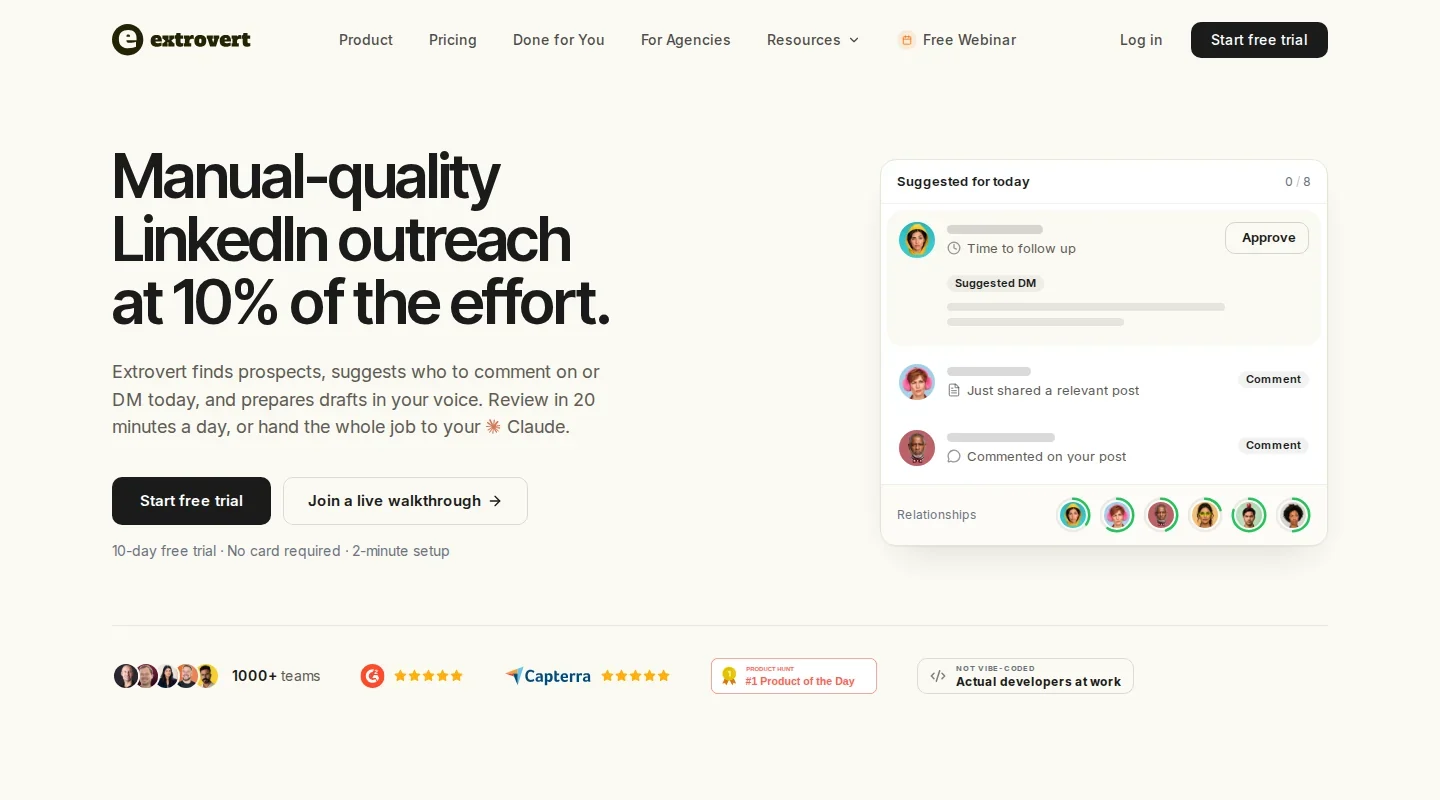
Extrovert starts with the prospects and customers you want to reach. Add a list, import contacts or find people through Lead Finder and Intent Signals. Your feed prioritizes their posts, giving you a place to read the context and work through today's comments. For buyers who rarely post, Extrovert also finds discussions they are likely to see.
Illustration: the posts a campaign found, sorted three ways. Newest posts, newest first: Just now, 20 min ago, 3 h ago, Yesterday. Closest to outreach, fewest comments left before outreach first: 1 left, 2 left, 3 left, 4 left. Evenly distribute, longest since your last comment first: 6 weeks ago, 3 weeks ago, Last week, Yesterday.
Newest posts
In a visibility campaign, the newest posts come first, so your comment goes up while people are still reading.
Closest to outreach
In a warm outreach campaign, the people who need only one or two more comments before you reach out come first, so you get to the first DM sooner.
Evenly distribute
In a nurturing campaign, the people you have not commented on for the longest come first, so nobody on the list is forgotten.


Comments draw on the post, your writing style and your instructions. Type a direction or use your voice to say how to change the comment. Read the revised draft, then approve or skip. You can review comments individually, approve a batch or explicitly enable automatic commenting for a campaign.
Open the Recommended tab for suggested DMs, conversation history and the reason to reach out. If a prospect posts about attending SF Tech Week, you have a natural opening: “Seen you went to SF Tech Week. How did it go?” Review the draft before sending, or snooze it. See the product workflow.
Illustration: Extrovert reads the prospect's posts. hot take, thought leadership, motivation, promotion are skipped. One post, went to sf tech week, is a Restarter signal. Extrovert suggests the DM "Seen you went to SF Tech Week. How did it go?", and the prospect replies.

The plan is $49 per connected LinkedIn account per month, including every feature. Each paid seat adds 250 tracked prospects, one topic for posts about a chosen subject, and 300 monthly discovery Credits, shared across the team. Lead Finder uses one Credit per delivered prospect; extra capacity and discovery are available separately through Extrovert pricing.
Share campaigns across your team or manage several client accounts. You can also let an AI assistant help through MCP, or use the API and webhooks to connect Extrovert with other sales tools. Teammates without a connected account are free, and the 10-day trial needs no card.
Best suited for: SDRs, account executives, founders and agencies maintaining a defined set of buyer relationships. It keeps the next comment and the next private conversation in view, with separate controls for each.
2. Taplio, best for publishing alongside prospect engagement
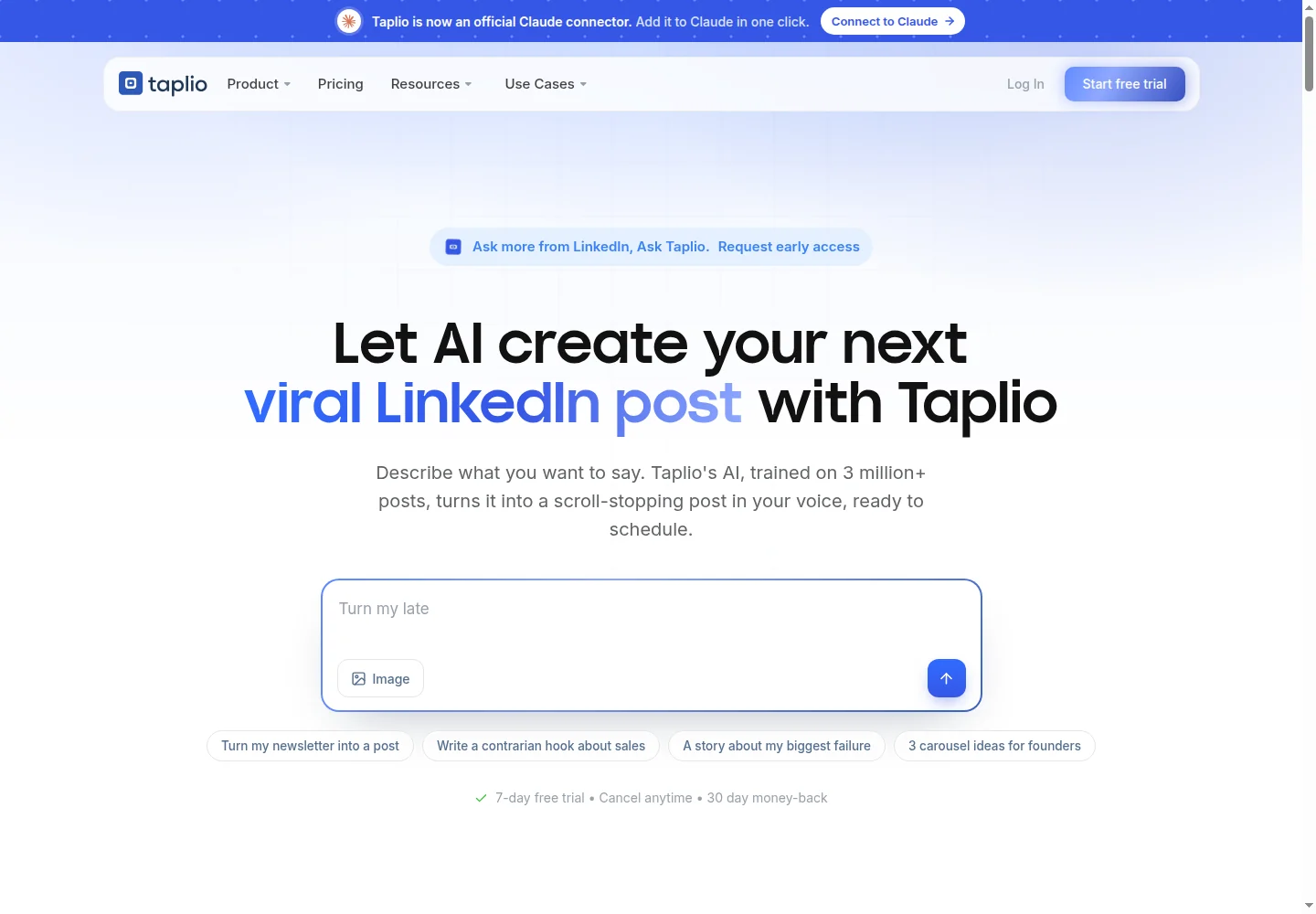
Taplio combines a writing and publishing workspace with tools for engaging selected people. Create lists of prospects, customers or partners, then use the Custom lists feed to find their posts. You can also build lists from people who interact with your content, which makes publishing and relationship-building part of the same routine.
Engage provides AI comment starters and tracks activity. Taplio also describes follow-up nudges for people who engage with your content. Through its MCP tools, an AI assistant can find posts, prepare or revise comment drafts and commit them after confirmation. Those capabilities make it a broader option than a post scheduler.
Growth costs $69 per month and includes Engage, 250 Expert-mode AI credits and 500 comment/reply credits. Faster-mode AI remains available after the Expert allowance. The $39 Starter plan covers publishing and core analytics without Engage.
Pro costs $199 per month and adds bulk or automated connection and DM outreach, alongside unlimited Expert AI and reply credits subject to fair use. Each personal profile needs a license. Every organization participant uses a paid seat, including writers, admins and client reviewers.
The advertised seven-day Pro trial requires a card under its operational terms, which also allow billing to start earlier when the trial AI allowance runs out. For a closer workflow comparison, see the Taplio alternatives guide.
Trustpilot reviewers raise concerns about renewals and cancellation; Taplio has responded to some complaints with refunds. Keep track of your trial allowance and renewal date.
Best suited for: Sellers who publish regularly and want engagement, content production and outreach in one subscription. Price Growth for comments and publishing, or Pro when bulk connection and DM outreach is part of the job.
3. Supergrow, best for team publishing with reviewed engagement
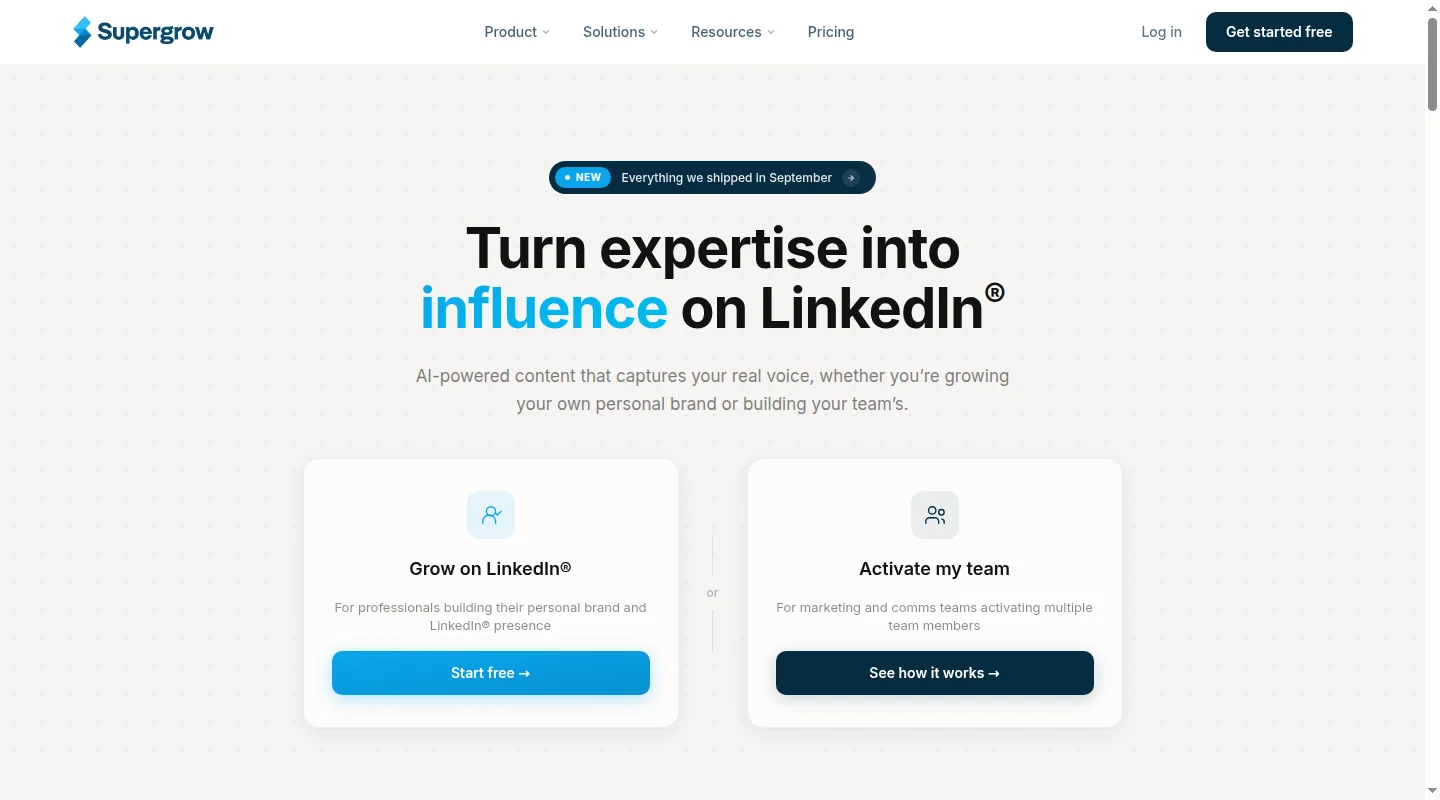
Supergrow connects an employee or executive publishing routine with an engagement feed for selected people. Add prospects, customers, partners or company pages by URL or CSV, or find people through relevant posts. The feed collects their recent activity so each team member can contribute without relying on the main LinkedIn feed.
In Focus Mode, a post sits beside a comment box and an editable AI suggestion. You can react, comment, repost or skip, with views for today, today and yesterday, or the past seven days. Each Engage action requires your click, which makes the review step part of the daily routine.
Pro costs $39 per month for one account. It includes Engage, content creation, scheduling, carousels, profile analytics and MCP access. Postcast uses interviews to help turn someone's expertise into posts, while repurposing tools work with existing articles, PDFs and videos. MCP supports publishing and analytics tasks.
Teams costs $199 per month for five accounts, with a free admin dashboard. Managers can review drafts, give feedback and coordinate the shared calendar, while members handle their own engagement activity. Larger organizations use custom Enterprise pricing, and all plans have a seven-day trial.
Its strength is coordinating what a team publishes and helping members interact with selected people. For prospect messaging and the work after a comment, compare that publishing-led routine with Extrovert's sales-team use case.
G2 reviewers ask for deeper analytics and more flexible client approvals. Include both in your trial if they matter to your team.
Best suited for: Teams publishing for executives or employees while maintaining a reviewed engagement habit. It gives managers visibility into content without turning every interaction into an unattended campaign.
4. MagicPost, best for list-based commenting beside client publishing

MagicPost combines publishing with an engagement feed built around lists of people and company pages. Its paid offer supports up to 49 tracked profiles per list, with multiple lists available. The feed usually surfaces each profile's latest post; profile focus lets you look at earlier posts from someone you want to engage.
You can write a comment, react or reply with your own click. Saved comments let you reuse text, while the surrounding publishing tools help prepare and schedule your own posts. Client and team workflows add calendars, draft reviews and publishing approvals, making the product useful when engagement sits beside content management.
Growth costs US$49 per month and Creator costs US$69 for one personal profile or company page. Creator adds AI content tools and API/MCP access. Agency and Team plans cost US$59 per publishing seat per month, with a two-seat minimum; admin-only users can be free.
For an inbox handling comments on your own posts, check the chosen plan: pricing lists replies on Growth, while the Reply help guide excludes loading those comments on that plan. Its no-card trial has country-dependent duration and usage limits.
For an agency, that combines two regular jobs: getting client posts approved and contributing to conversations on selected accounts. The seat minimum and Reply access matter more to that setup than the lowest individual price.
Feedback on Trustpilot is mostly positive, though one reviewer finds the AI writer “corny” at times. Leave time to edit drafts for tone before client approval.
Best suited for: Individuals and agencies combining client publishing with manual engagement on selected lists. Publishing seats, client approvals and Reply access are the important plan choices for that setup.
5. PowerIn, best for commenting around selected authors and topics
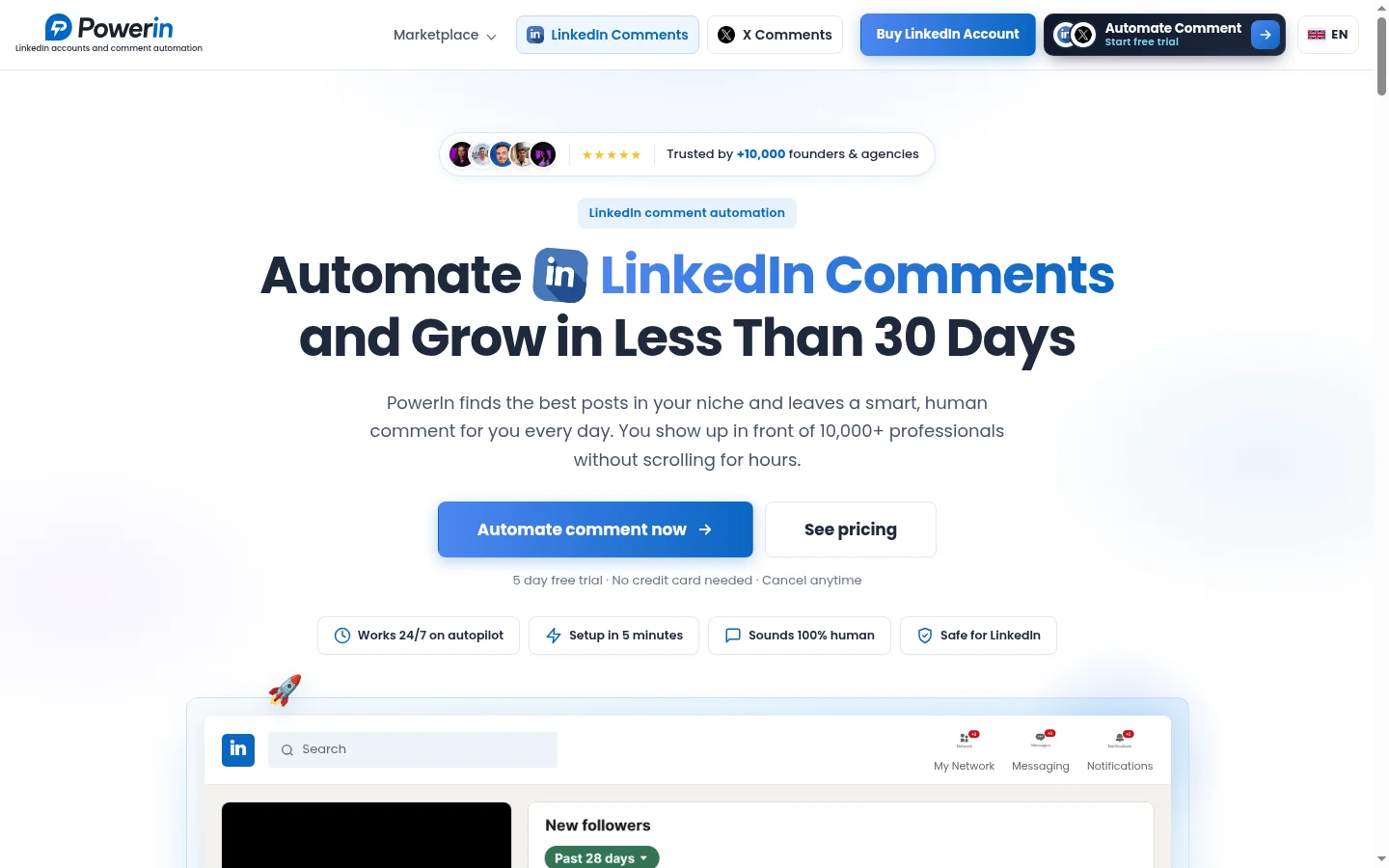
PowerIn finds posts through selected authors or keywords, then prepares comments in a configured tone. You choose preferences such as language, timezone, banned words and emoji use. From there, you can review suggestions manually or allow the campaign to publish automatically.
That makes it a focused commenting option for teams with a clear idea of whose posts or which discussions they want to join. A useful setup starts with the authors and topics that matter to the buyers you're trying to reach. The comment history and daily email reports give you a way to review what the campaign did.
Growth costs $59 per month for up to 30 comments a day. Advanced costs $99 for 100 a day, while Scale costs $149 for 200 a day. The advertised monthly volumes are 900, 3,000 and 6,000 respectively, with a five-day trial that requires no card.
All three plans advertise unlimited connected accounts. Before pricing several clients, confirm whether the comment allowance is shared across those accounts and how it is allocated between LinkedIn and X. That determines what a subscription buys for an agency.
AppSumo reviewers of the legacy commenting offer report lost company-page posting. That offer has 3.6/5 from 126 ratings; it is a separate cohort from today’s subscription.
Best suited for: Users who want creator- or keyword-targeted commenting with a choice of review or automatic publication. Agencies should settle the shared allowance before budgeting for multiple connected clients.
6. Engage AI, best for drafting comments inside LinkedIn
Engage AI helps when you've found a post worth responding to but don't want to start from a blank comment box. Its Chrome copilot drafts inside LinkedIn, keeping the original post and the conversation in view. Adjust the tone, length, emoji use and words to include or avoid, then edit the draft before posting.
The copilot offers free core features and an advertised $30-per-month Pro plan. Prospect monitoring can help you notice when someone posts, and HubSpot and Zapier integrations connect it with other tools. Check the monitoring allowance in your chosen package before relying on it for a whole prospect list. The premium Second Brain feature, currently in beta, recalls past comments so you can refer back to earlier interactions.
There is also a separate Engagement Community, priced at $50 per month for Individual and $250 for Group. Individual includes up to nine reciprocal commenting sessions each week. Group member sub-accounts belong to that community offer, rather than providing copilot licenses for everyone on a sales team.

The Engagement Community is separate from the comment copilot.
Community sessions involve manual comments on English-language posts. Their value depends on whether the other participants are people you actually want to reach. For other approaches to the writing step, see the LinkedIn comment generator comparison.
The copilot is the relevant part when your main bottleneck is writing a useful comment while browsing LinkedIn.
Chrome reviewers have reported weak drafts and extension glitches. Check it on the posts and browser setup you actually use.
Best suited for: People who want editable comment suggestions where they already read posts. For a repeatable buyer-engagement routine, consider how you'll select the people, track previous interactions and manage the next message.
7. LinkedIn Sales Navigator, best for native buyer search and alerts
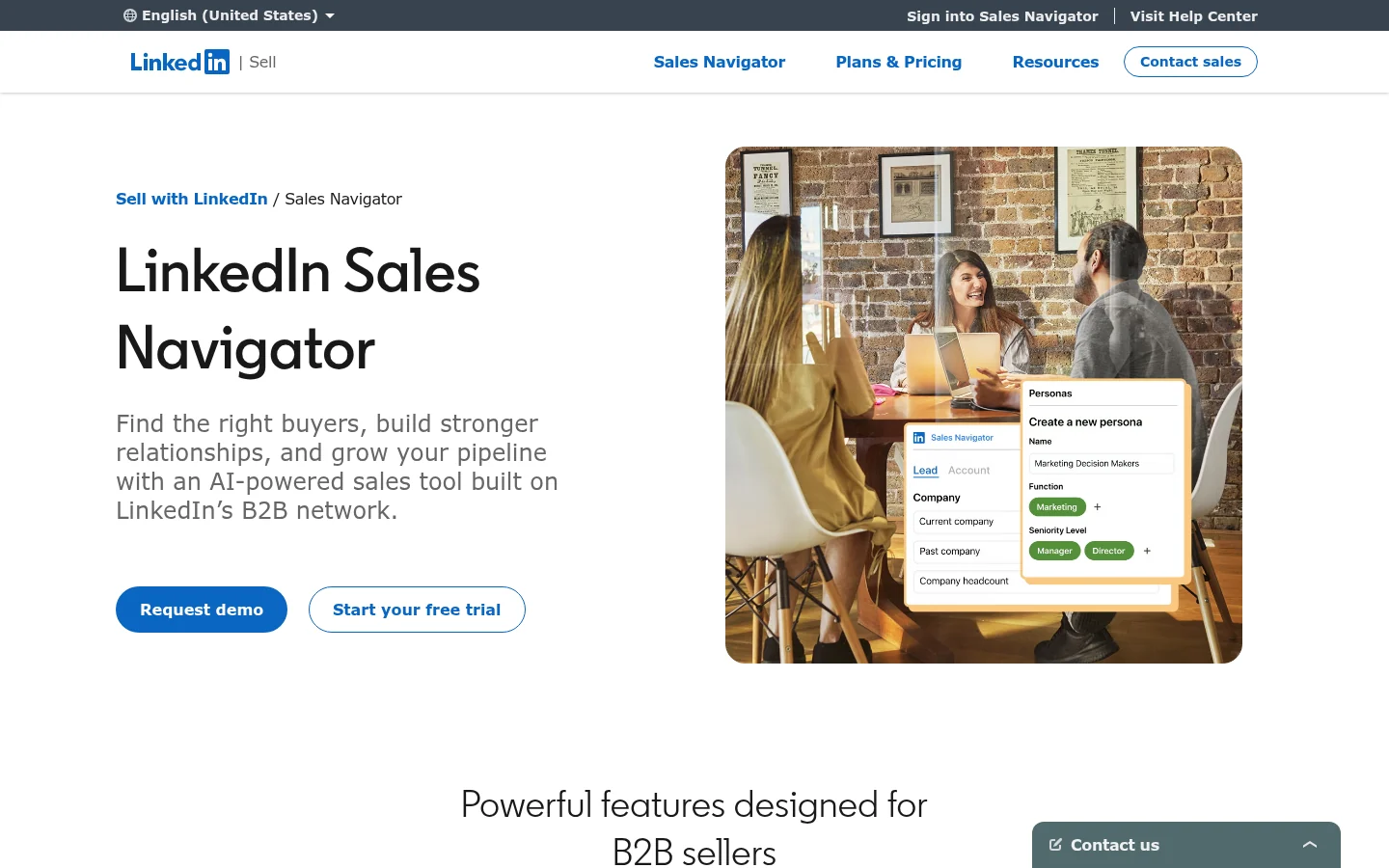
Sales Navigator helps sellers find the right people and accounts, save them and notice changes worth acting on. Its native LinkedIn search is useful when you need to define a target list before starting engagement. Saved leads and account alerts give you reasons to investigate a new role, company event or post.
The plans include more than 50 advanced search filters and 50 InMail credits per month. InMail gives you a way to contact people outside your connection network. The seller decides which context matters, writes the message and manages the next conversation.
Core starts at US$119.99 per license per month, or US$1,079.88 annually. Advanced starts at US$159.99 per license per month and adds team-oriented capabilities. Advanced Plus uses custom pricing for deeper CRM integrations and lead or contact creation.
These are licenses for named sellers. Teams can manage access and billing centrally, while the available AI research and message features depend on the plan. Core and Advanced trials require eligibility and a card; the duration comes from the offer shown to that buyer.
Sales Navigator works well upstream of daily engagement: define and save the audience, then act on useful information. Extrovert and Sales Navigator can serve different parts of that process, from finding someone to keeping the relationship moving.
Capterra reviewers describe switching between Sales Navigator and LinkedIn to manage messages. Include that handoff when deciding how it fits your daily routine.
Best suited for: Sellers who need LinkedIn's search filters, saved-account alerts and InMail. A sales team can pair that discovery work with Extrovert's comment and DM routine for the people it chooses to track.
8. Letterdrop, best for competitor-related prospect signals
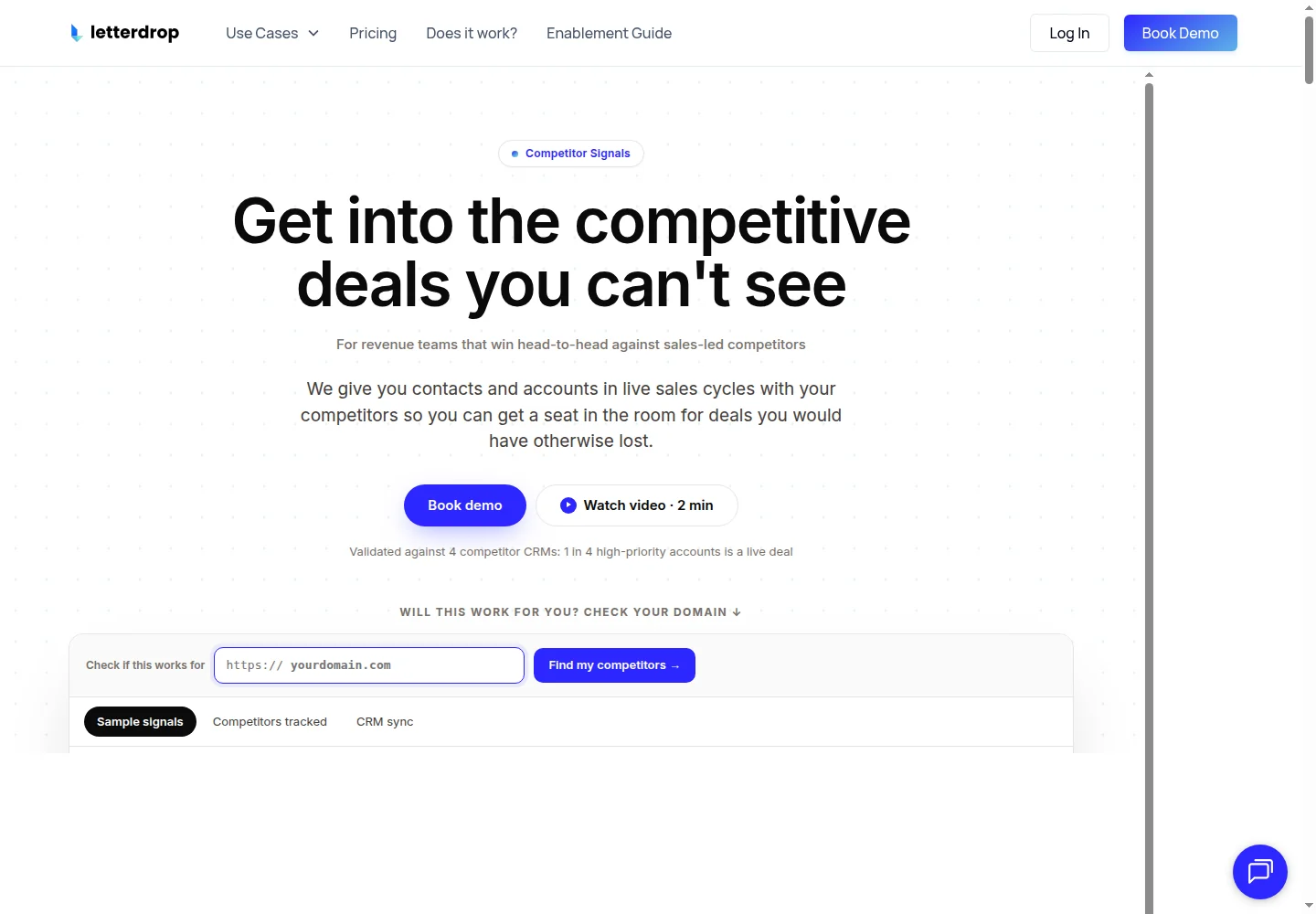
Letterdrop's Competitor Signal offer helps sales teams identify prospects who may be in a competitor's sales cycle. It delivers scored leads into the sales tools a team already uses. The job is deciding which accounts deserve attention before a seller chooses how to engage them.
You select the competitors to track, then route useful leads to the people responsible for follow-up. Salesforce and HubSpot sync, connections to Outreach, Apollo and Clay, and daily CRM delivery let those signals feed an existing outbound process. Contact enrichment can add email and phone details when available.
Pricing uses a custom annual, usage-based contract, advertised from $18,600 per year. Scope depends on the combined sales headcount of the competitors being tracked. Team users are unlimited, while the quote defines the signals, contacts and competitor coverage included.
Letterdrop offers a 30-day pilot, with commercial terms agreed for the setup. It identifies PLG-only businesses, markets with fewer than 30 sales reps across tracked competitors, and teams unable to win competitive deals as poor fits. That threshold helps assess whether competitive sourcing is a useful approach for the business.
Once a signal reaches the CRM, a seller still needs to open a relevant conversation and keep it moving. That is a different job from collecting posts and managing comments and DMs for an ongoing prospect list.
The available G2 reviews largely cover Letterdrop’s earlier content and SEO product, rather than the current Competitor Signal offer.
Best suited for: Sales teams with a competitive outbound motion and a clear owner for acting on new signals. Assign someone to review new leads and start the relevant conversation when they arrive.
9. AuthoredUp, best for editing and reviewing your own posts
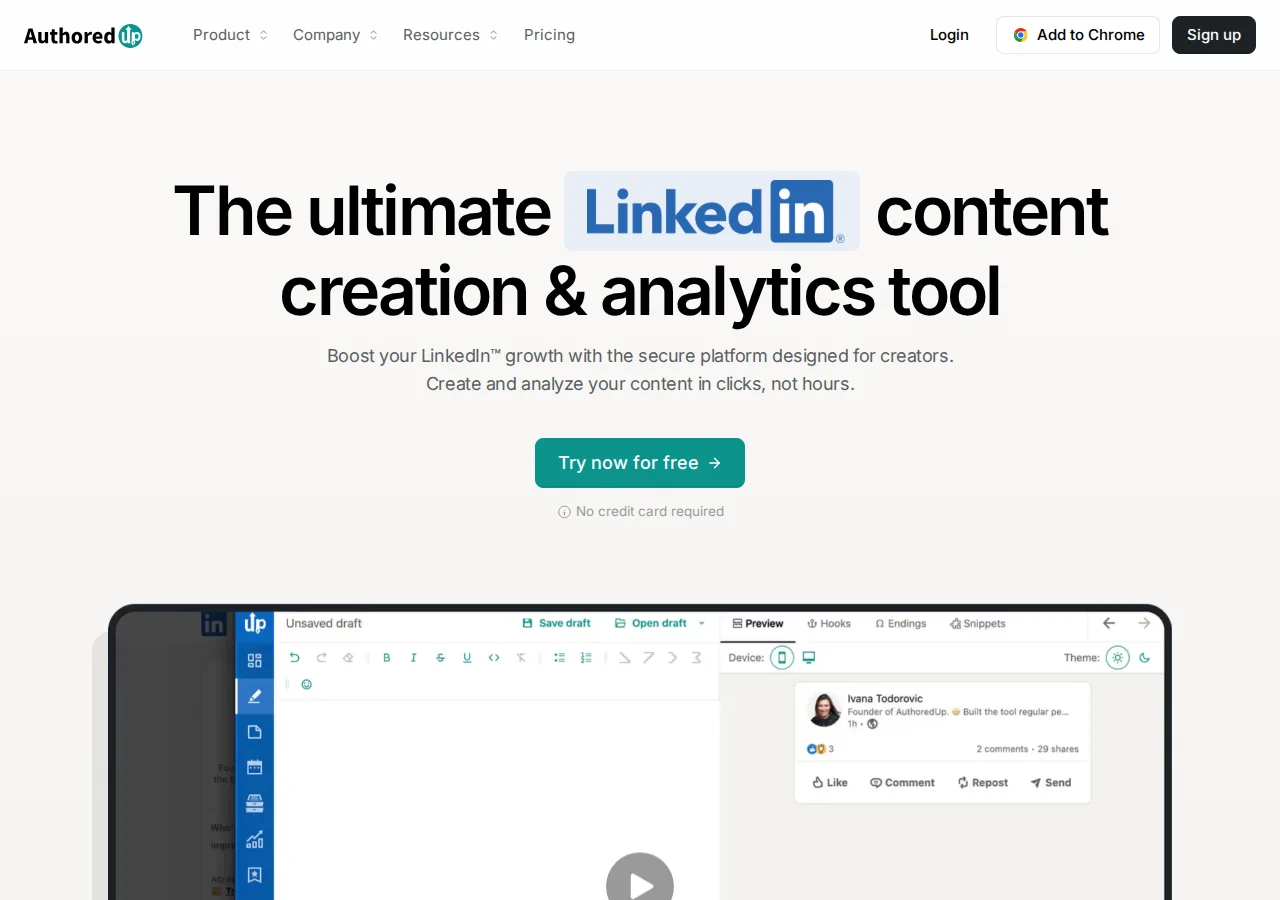
AuthoredUp helps you prepare LinkedIn posts that read and look the way you intend. Its editor includes formatting, reusable snippets, hooks and endings, alongside previews for desktop, mobile and the “See more” break. You can check a post before publishing without repeatedly editing it on your live profile.
Post and profile analytics, content comparisons and CSV exports help you review what you published. For scheduling, the extension opens LinkedIn's native scheduler: choose a time and confirm, then LinkedIn publishes the post. The previews and reporting are useful when several people prepare posts for the same executive.
Individual costs $19.95 per month for one connected profile, or $199.50 annually. Business costs $14.95 per profile per month, with a three-profile minimum, adding collaborative drafts, team analytics and an organization calendar. Invited managers or ghostwriters without their own connected profile can be free.
The 14-day trial requires no card, and drafts and snippets are unlimited. Draft-review links also let someone read a post without becoming an editor. Coauthor AI is listed as a closed beta.
A founder can use AuthoredUp to make publishing more deliberate while keeping prospect comments and private messages in another workflow. For occasional checks, Extrovert's free post formatter and post preview cover the basics.
A 2025 Trustpilot reviewer reports losing formatting when copying text into LinkedIn. Test that step with your own posts; the profile currently has just one review.
Best suited for: Individuals and teams that need better editing, preview and reporting for their own posts. Draft-review links let a manager read a post without taking over the editing workflow.
10. Kleo, best for content strategy and writing support

Kleo helps founders and creators decide what to publish, then turn their knowledge into posts. You give it context about your expertise, products, audience and goals, along with writing examples. Personalized strategy, style memory and an idea library support a repeatable publishing habit.
The Chrome extension saves posts for inspiration. From there, the workflow moves through an idea, draft or visual, preview and formatting, then scheduling and performance review. Weekly live calls, training material and a private creator community give users somewhere to discuss ideas and develop their writing.
The main subscription costs $99 per month, with additional team or client profiles at $49 per month. Annual billing is $999 and includes private onboarding. The package includes unlimited chats and post creation, an allowance of 20 visuals per month, and a library with more than 400 templates and 200 post examples.
Monthly plans have a seven-day money-back guarantee; the annual guarantee is 30 days. If you're buying for clients, establish which permissions and approvals come with each extra profile. That determines whether the setup fits how your agency prepares and signs off content.
The strategy, saved examples and live calls are most useful when you have expertise to share but struggle to turn it into a regular publishing habit.
Trustpilot reviewers raise concerns about editor reliability, onboarding and value for money. The profile has only three reviews, so read the examples rather than treating the score as a consensus.
Best suited for: Founders and creators looking for help with content strategy and a consistent writing routine. Additional profiles support publishing for team members or clients at a separate monthly cost.
Side-by-Side Comparison
Compare the audience each tool starts from, the conversation steps it supports, its action controls and the plan you need. Publishing and discovery tools have a useful role, but their prices buy different parts of the work.
| Tool | Buyer list | Conversation work | Action controls | Relevant plan and trial |
|---|---|---|---|---|
| Extrovert | Selected prospects; 250 tracked per paid account, pooled | Comments, connections, DMs and contextual follow-ups | Review each comment; approve batches or enable automatic comments; authorize assistant actions | $49/account/month; 10 days, no card |
| Taplio | Selected prospects and content engagers | Comments; Pro connection/DM outreach; follow-up nudges | Review, MCP comments; Pro bulk/automatic outreach | Growth $69/profile; Pro $199/profile; all organization participants paid; seven-day trial with card and early-billing terms |
| Supergrow | Selected people and company pages | Prospect comments alongside publishing | Click for each Engage action; publishing approvals | Pro $39/account; Teams $199/5; seven-day trial |
| MagicPost | Up to 49 tracked profiles per list | Feed comments and own-post replies | Manual feed actions; client publishing approvals | Agency $59/seat, minimum 2; Individual Growth $49/Creator $69; no-card trial varies by country |
| PowerIn | Selected authors and keywords | Targeted comments | Manual approval or automatic publication | Growth $59/subscription, 30 comments/day; five days, no card; confirm allowance pooling |
| Engage AI | Prospect monitoring and native LinkedIn browsing | Comment drafts in LinkedIn | Edit the suggestion before posting | Free core; Pro $30/month advertised; check monitoring allowance by package |
| Sales Navigator | Saved leads and accounts with alerts | Native LinkedIn actions and 50 InMails/month | Seller selects and sends | Core from US$119.99/license/month; eligible card-required trial |
| Letterdrop | Competitor-related signals delivered to the sales stack | Discovery feeding the team's outbound tools | Your team reviews leads and sends outreach from its connected tools | Custom annual from $18,600/year; 30-day pilot with agreed terms |
| AuthoredUp | Your own profiles and posts | Editing, scheduling and publishing analytics | Draft review and native scheduling | Individual $19.95/profile/month; 14 days, no card |
| Kleo | Your expertise, ideas and content | Strategy, writing and publishing | Review the draft and choose what to publish | $99/month; seven-day monthly-plan refund guarantee |
Which LinkedIn engagement tool fits your use case
Start with the work you need to do next. The same team may use discovery and publishing tools, while keeping its daily prospect conversations in Extrovert.
| Situation | Tool | Daily work | Plan to consider |
|---|---|---|---|
| A seller needs to keep buyer relationships moving | Extrovert | Review prioritized comments and Recommended DMs | $49 per connected account; free non-connected teammates |
| Publishing and prospect engagement share an owner | Taplio | Prepare posts, comment on selected prospects and plan outreach | Growth for Engage; Pro for bulk connections and DMs; paid organization seats |
| A team publishes for executives or employees | Supergrow | Coordinate drafts, calendars and reviewed engagement | Pro individually or five-account Teams |
| An agency publishes for clients and comments on selected accounts | MagicPost | Review client content and work through engagement lists | Agency $59/seat, minimum 2; client approvals and confirmed Reply access |
| A campaign comments around chosen authors or topics | PowerIn | Review or automate targeted comments | Daily volume and confirmed multi-account allocation |
| Writing a comment inside LinkedIn is the bottleneck | Engage AI | Edit a contextual suggestion while reading a post | Copilot package, separate from Community |
| A rep needs a better target list and account alerts | Sales Navigator | Search, save leads and investigate changes | Core or the team/CRM tier required |
| Competitive signals should feed an existing sales stack | Letterdrop | Route leads and assign outbound follow-up | Annual scope and pilot terms |
| Own posts need cleaner editing and previews | AuthoredUp | Prepare, preview and review published content | Individual or Business collaboration |
| A founder needs help deciding what to publish | Kleo | Develop ideas and draft content in a consistent voice | Base plan plus any team/client profiles |
What results look like with Extrovert
Mark Dusseau, founder of Starter Stack AI, described a list of approximately 40 target accounts and 15–20 minutes a day in Extrovert in his July 8, 2026 interview. Before using the product, he estimated that he commented on LinkedIn about once a month.
His daily routine includes reading customer posts, contributing to conversations and following the discussions his prospects and customers take part in. He also described engaging with an industry influencer, connecting and continuing in LinkedIn DMs. Mark says the interactions helped his following grow and gave him a clearer view of customer priorities.
The practical change is a repeatable way to stay present around the people his business needs to know. Read the Starter Stack AI case study, or browse Extrovert customer stories.
FAQ
What are the best LinkedIn engagement tools for B2B sales?
Extrovert is our first choice for a routine that connects prospect tracking, comments, DMs and contextual follow-ups. Taplio combines engagement with publishing and outreach, while the other tools here focus on commenting, discovery or your own content.
How do I choose between commenting and publishing software?
Start with whether the work begins with a target buyer's post or a post you want to publish yourself. If your team needs both, choose who owns each routine and buy the plan that includes the relevant features.
What does a LinkedIn engagement tool cost?
In this shortlist, individual monthly plans range from AuthoredUp's $19.95 publishing subscription to Taplio Pro's $199 outreach plan, while Letterdrop uses an annual contract. Extrovert includes its features at $49 per connected account each month, with paid extensions for capacity and discovery.
How should a sales team measure pipeline impact?
Track replies, useful conversations and meetings from the people you're engaging, then connect those interactions to opportunities in your sales process. Keep publishing reach alongside those measures rather than using impressions alone as the outcome.
How much control do I have over comments and DMs?
In Extrovert you can review each comment, approve a batch or explicitly enable automatic comments for a campaign. Review suggested DMs separately in the Recommended tab; an AI assistant can also help within the permissions you give it.
Are LinkedIn engagement tools safe to use?
No tool can guarantee freedom from account restrictions. Check the automated actions and permissions against LinkedIn's prohibited software guidance, and choose review and automation settings that fit how you want to work.
How can a team try Extrovert before adding accounts?
Use the ten-day no-card trial with a focused prospect list and an owner for the daily routine. Work through the comments and message recommendations, then decide how many connected accounts and how much capacity your team needs.
Try Extrovert free with your own prospect list
Start with the buyers you want to keep in touch with. Extrovert follows their activity and brings useful comments and conversations to your attention. Drafts use your voice, so you can focus on whether the reply is useful and says what you mean. Review comments individually, approve a batch or choose automatic commenting for a campaign. Continue private conversations from the separate DM recommendations and follow-ups. Try the routine for ten days without a card.